PETS & PERSONALITY / EDITORIAL GUIDE
AI pet video ideas: 5 playful stories, photo tips and pet-first rules
The best pet idea begins with something the animal already does: a head tilt, a curious look, a dramatic flop onto a cushion. Build the scene around a familiar expression instead of forcing human-like moves.
A pet photo is a starting point for a storyboard, not evidence that a model can animate fur, paws or mouths accurately. Below are ideas for short-form edits or future AI experiments, plus ways to keep the real animal comfortable if you are taking new photos.
This is a practical idea and photo-planning article, not a generator, real AI output showcase or claim about model performance. All TrendPico effect concepts remain unavailable for public generation.
STORYBOARD LIBRARY
Five pet-first stories that fit short video
These are concepts rather than named filters or verified model templates. The little narrative arc matters more than the label.
The tiny news anchor
Set-up: Your pet looks straight into the camera as though about to deliver an important announcement.
Action: A head tilt or blink becomes the "breaking news" moment.
Editing note: Add your own caption or licensed narration in the editor. TrendPico does not offer a working talking-pet voice or lip-sync feature.
The treat detective
Set-up: A dog or cat notices a mystery just outside the frame, such as a closed treat box.
Action: Show one curious sniff or glance, followed by a reveal.
Editing note: Cut between a pet portrait and a separate close-up of the box. Never bait an animal into unsafe behavior for a reaction.
The two-step dance
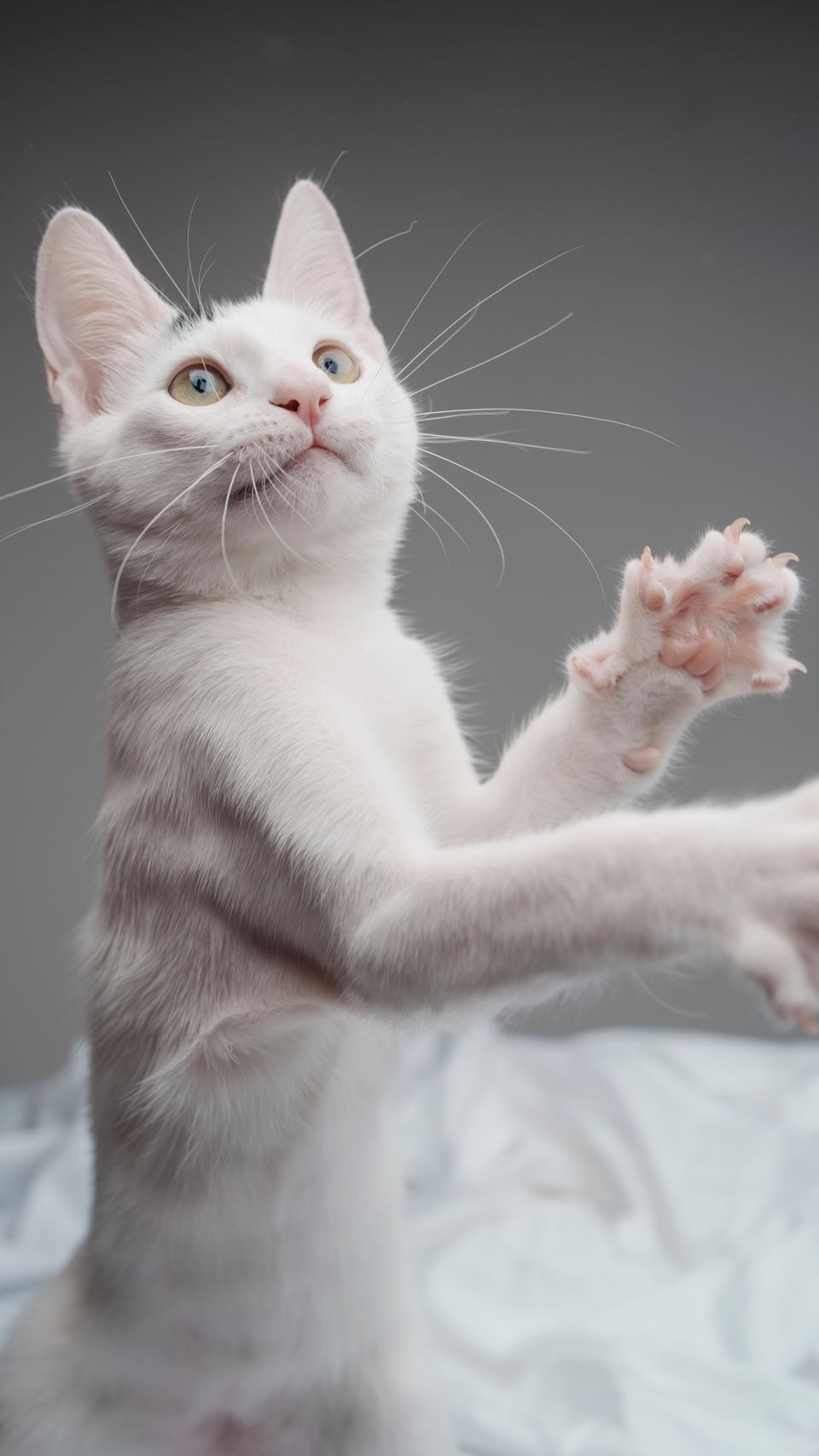
Set-up: A naturally playful pose becomes the opening of a very short rhythmic sequence.
Action: A paw lift and body sway form two readable beats.
Editing note: Keep the movement modest; warped legs, extra paws and changing fur markings are obvious signs a future animation is not usable.
The dramatic nap
Set-up: A cat is intensely focused on something, then abruptly chooses to sleep.
Action: The contrast between suspense and a peaceful flop becomes the joke.
Editing note: This can work as two ordinary still-photo edits with a timed caption; no generative animation is necessary.
The mirror reaction
Set-up: A pet's expressive face is paired with a harmless imagined thought bubble or off-screen question.
Action: Hold long enough for viewers to read the text, then show the same expression a second time.
Editing note: Use captions that are clearly imaginative, not a claim about what an animal can actually say.
PRACTICAL WORKFLOW
Build the scene around the animal's comfort
Select the cleanest existing photograph
Look for eyes, ears and muzzle that are not hidden by heavy blur or props. A simple background makes the animal easier to recognize and reduces visual clutter.
Choose a story before choosing movement
Write one sentence: "My cat thinks the box contains a secret." Then decide which natural expression supports it. If the idea needs four different body poses, simplify the idea instead of expecting impossible consistency.
Shoot gently, never force a performance
A short voluntary photo session is enough. Stop when the animal seems stressed or wants to leave. Avoid costumes that impede movement, sight or breathing, and skip any accessory that could be chewed or swallowed.
Keep audio and labeling separate
Use sounds and music you have a license to share. A synthetic pet voice is fiction; label it as an edit and do not claim it is the animal's actual speech.
QUALITY & RESPONSIBLE USE
Four avoidable problems
- A charming still image is not proof that talking, dancing or realistic body movement is supported by any particular model.
- Photos with multiple animals confuse the story and can make an eventual identity check ambiguous.
- A costume is not necessary for a good concept; animal comfort comes first and unsafe costumes should be omitted.
- Do not use viral audio or another creator's video without permission, even when the visual concept is original.
FREQUENTLY ASKED QUESTIONS
A few more useful answers.
Can I create AI dancing-pet videos on TrendPico now?
No. The current Pet Dance and Talking Pet pages are editorial concepts, and neither accepts uploads or returns generated videos.
Which pet photos make the clearest storyboard?
Start with a single cat or dog in good light, visible facial features and enough body context for the planned action. These are creative suggestions, not tested model requirements.
Should I dress up my pet for a viral video?
Only if the animal is comfortable and the clothing is safe. ASPCA guidance cautions against restrictive costumes and accessories that can cause distress or injury.
Could I just make a video from still photos?
Yes. Captions, gentle camera movement and a few ordinary cuts can tell a joke without a generative model. Use images and music you have the right to share.
FURTHER READING
Sources and practical references
The examples and shot plans above were written for TrendPico; these external resources provide additional context. Editorial photography is independently credited above.
- ASPCA: Halloween safety tips for petsGuidance on pet costumes, stress and movement restrictions
- Adobe: how to make a shot listPlanning a coherent short sequence
MORE CREATIVE DIRECTIONS
See related concepts and guides
Effect pages are creative briefs only. They are not available to generate videos, and the photographs shown there are not AI outputs.